
Lana for Mac
Your edit, on your Mac
Your Noctal projects in an app of their own, plus Studio: an editor that runs on your Mac, where Make my episode does the first cut.
Free · Apple silicon · macOS 26 or later
On a phone or tablet? Open this page on your Mac to download.

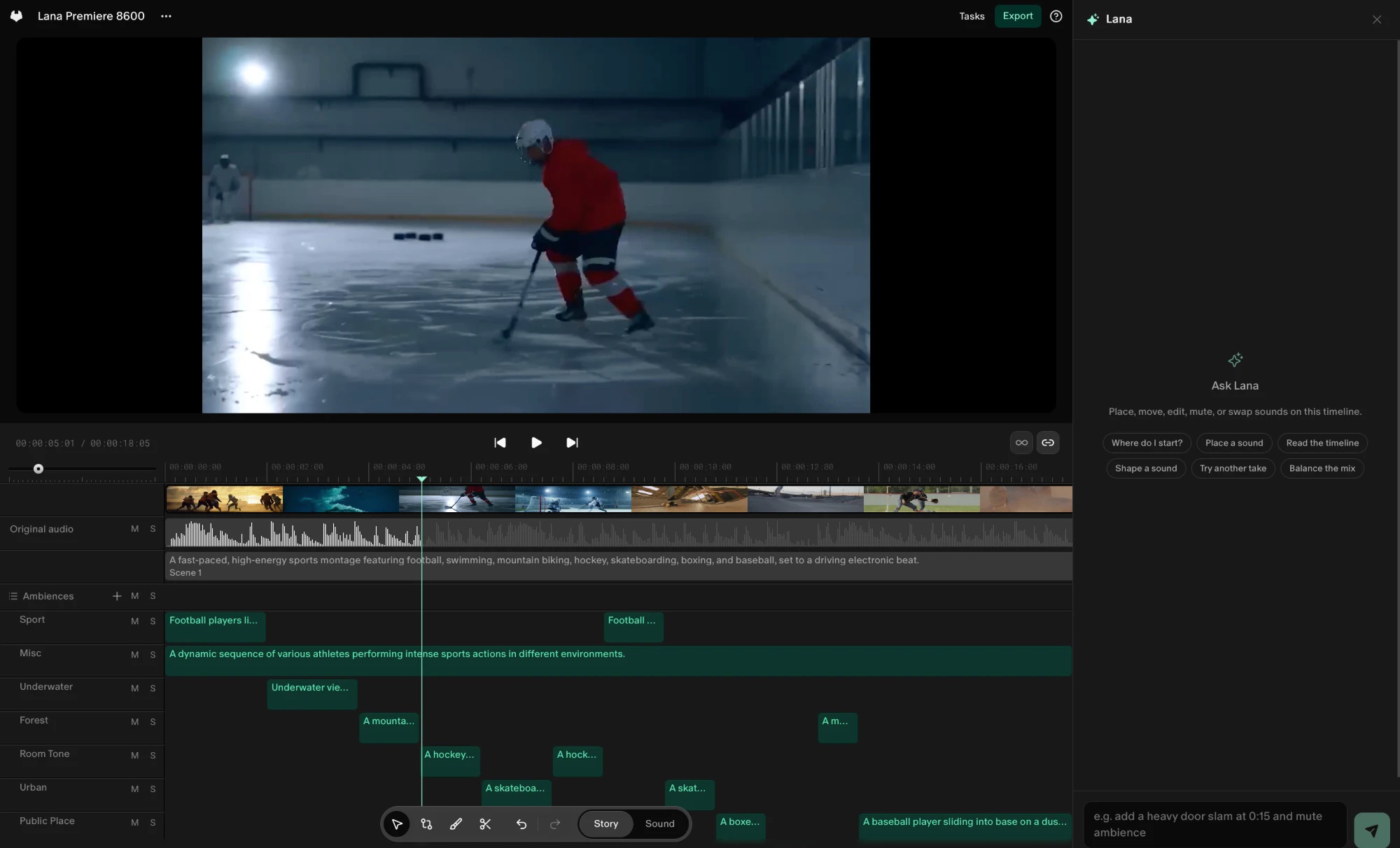
Built to run on your Mac
Studio works on your Mac
Studio imports, transcribes, edits and exports on your Mac, so your footage stays there. Adding a sound from the library needs the internet.
Make my episode
One button in Studio transcribes your footage, cuts the dead air and fillers, writes captions, and mixes and masters the sound.
Same account, same credits
Sign in with your Noctal account. Your plan and credits are the same ones you use on the web.
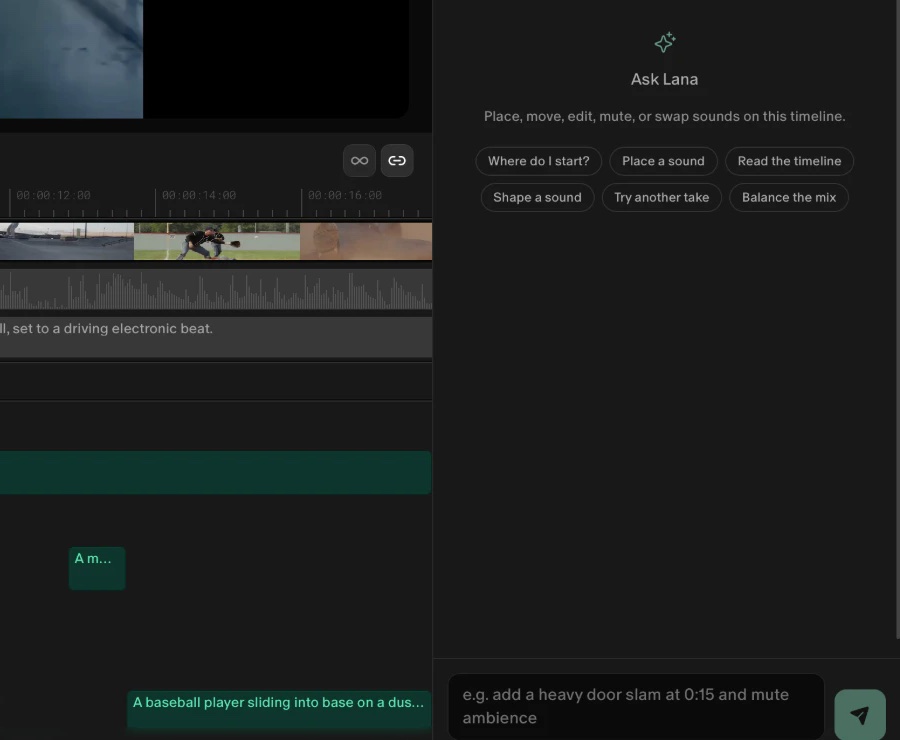
Lana comes with you
The app's main window is Noctal itself, with your projects from the web, and Lana when your plan includes her. Ask Lana to place, move, mute or swap the sounds on your timeline.

Get started in three steps
You'll need a Mac with Apple silicon and macOS 26 or later — full requirements below.
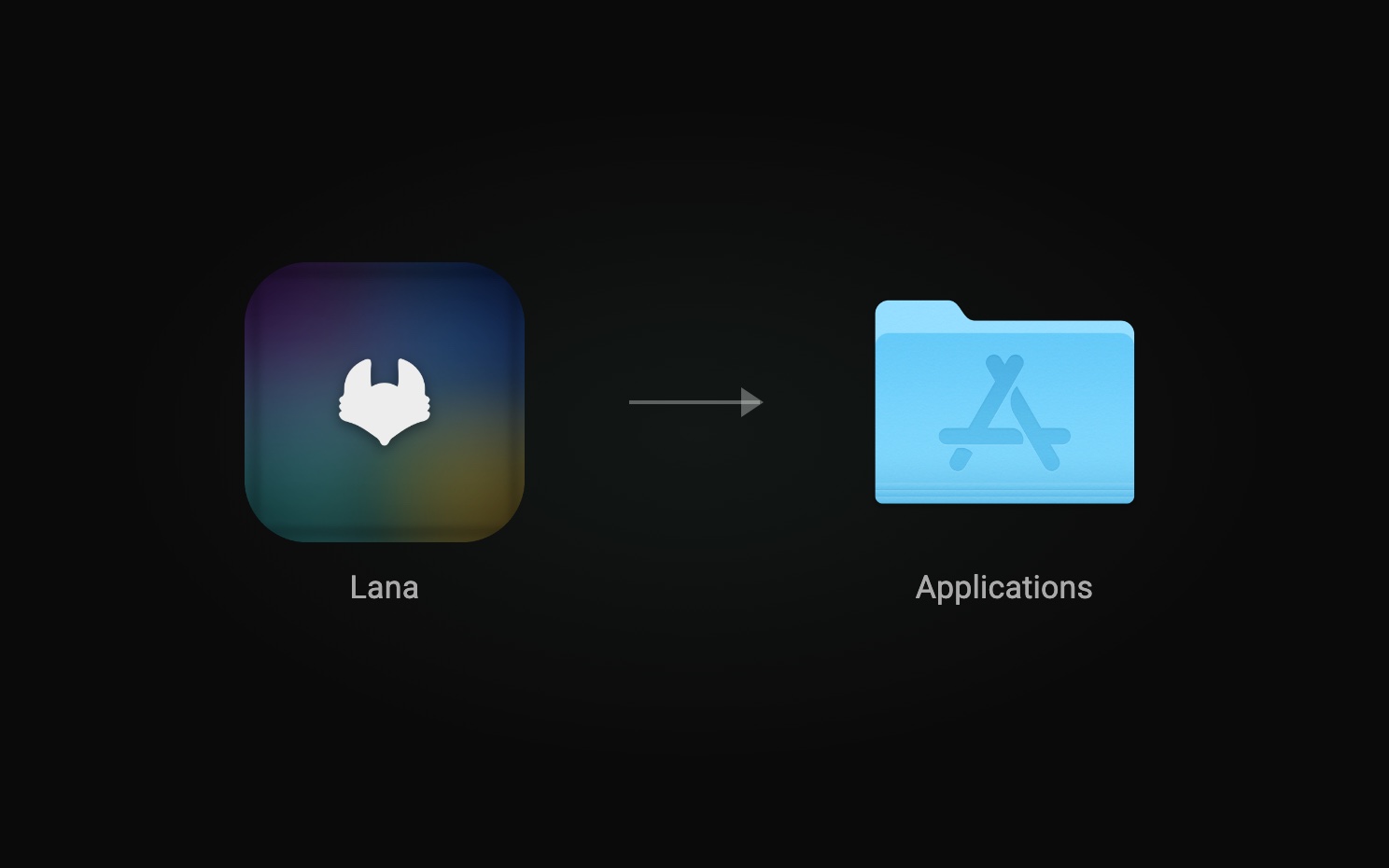
Install and open Lana
Click Download app, drag Lana from Lana.dmg into Applications, and open it. Its first screen says what stays on your Mac.
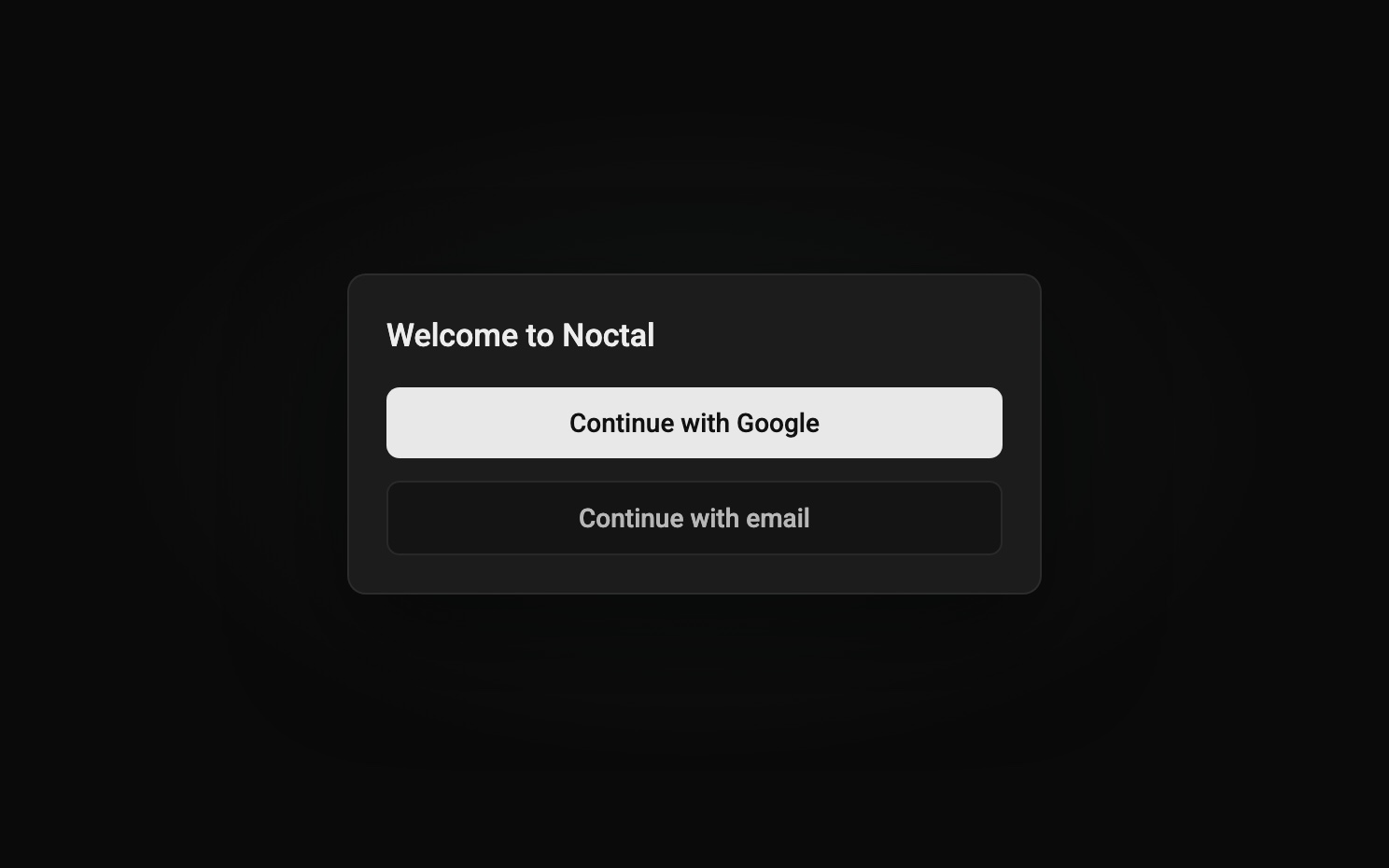
Sign in
Sign in with your Noctal account. Your projects from the web are there, with Studio in the sidebar.
Open Studio
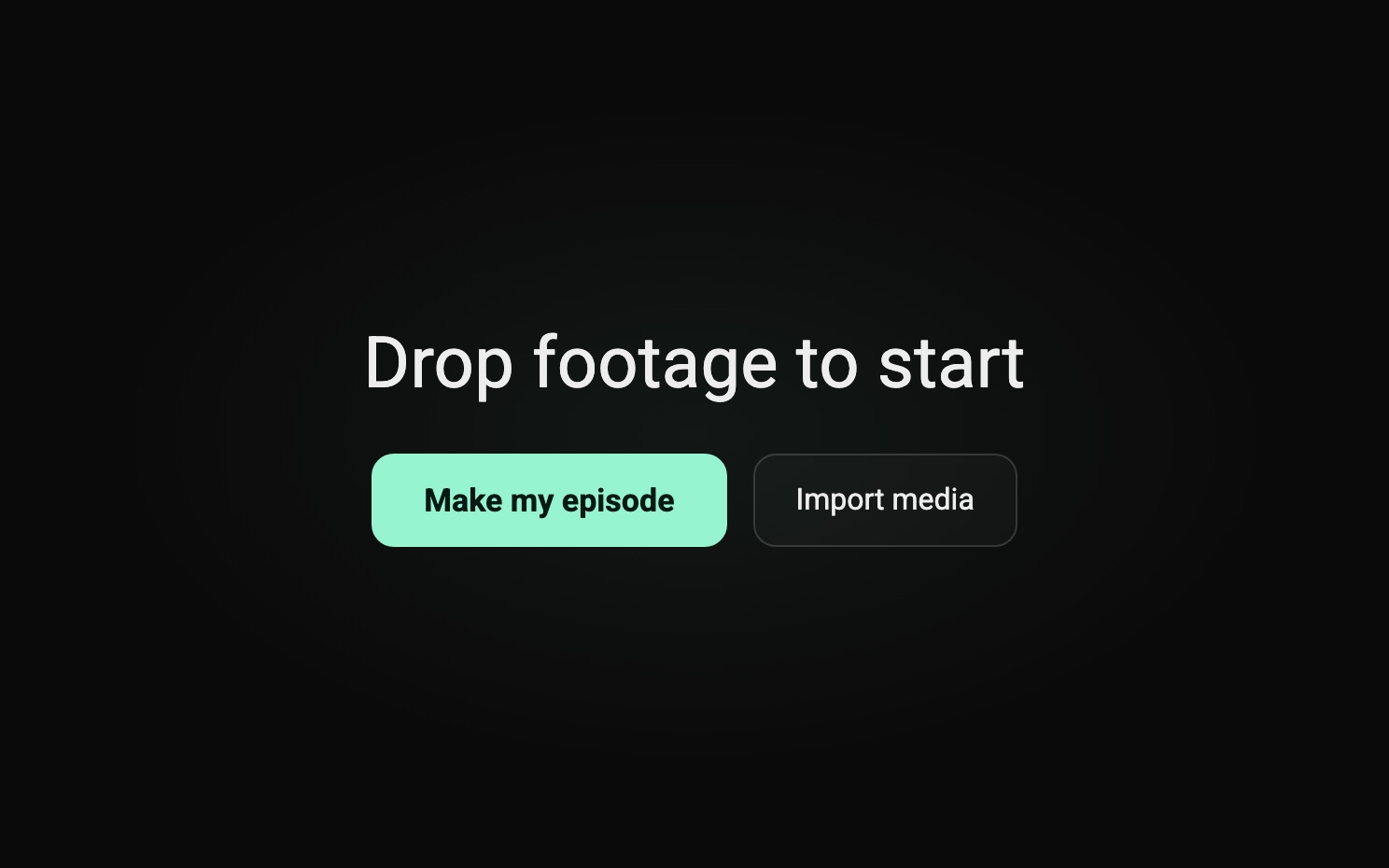
Drop in your footage, and Make my episode does a first cut on your Mac.
What your Mac needs
- A Mac with Apple silicon
- macOS 26 or later
- Apple Intelligence turned on
- 16 GB of memory
- 10 GB of free disk space
Lana, on your Mac
Free to download. Sign in with your Noctal account.
Free · Apple silicon · macOS 26 or later

Frequently asked questions
Is Lana for Mac free?
Yes, the app is free to download. Sign in with your Noctal account: your plan and credits are the same ones you use on the web.
Do I need a new account?
No. Sign in with the Noctal account you already use on the web.
Does my footage leave my Mac?
Not in Studio, the editor in the app: it imports, transcribes, edits and exports on your Mac. Adding a sound from the library needs the internet. The app's main window is Noctal itself, so what you do there works as it does on the web.
Does it run on Windows or an Intel Mac?
No. Lana for Mac needs a Mac with Apple silicon and macOS 26 or later. On any other computer, use Lana in your browser at app.noctal.xyz.
Why does it need Apple Intelligence?
Studio's read of your footage, the plain-English summary and the plan for your edit, runs on Apple's on-device model. Turn Apple Intelligence on in System Settings.
How do I update it?
Lana doesn't update itself yet, or tell you about a new version. To update, quit Lana, download the latest version from this page, and drag it into Applications as when you installed it. Your projects stay as they are.